Skip to content
Built in the Philippines for Philippine retail

The POS system that works like your store does.

Sales, inventory, utang, and shift reports on the phone or tablet you already own. Works offline, prints receipts, and takes GCash and Maya.

  • Runs on
  • Android tablet or iPad
  • Any modern phone
  • Desktop browser
40 second tour

Watch a sale go by.

Scan, charge, and close the day in one line. Jump to any chapter, or let it loop.

The register

A full register on the device you already own.

A quiet counter screen with the whole store behind it. No extra hardware — Android, iPhone, or any browser.

Scan, then charge

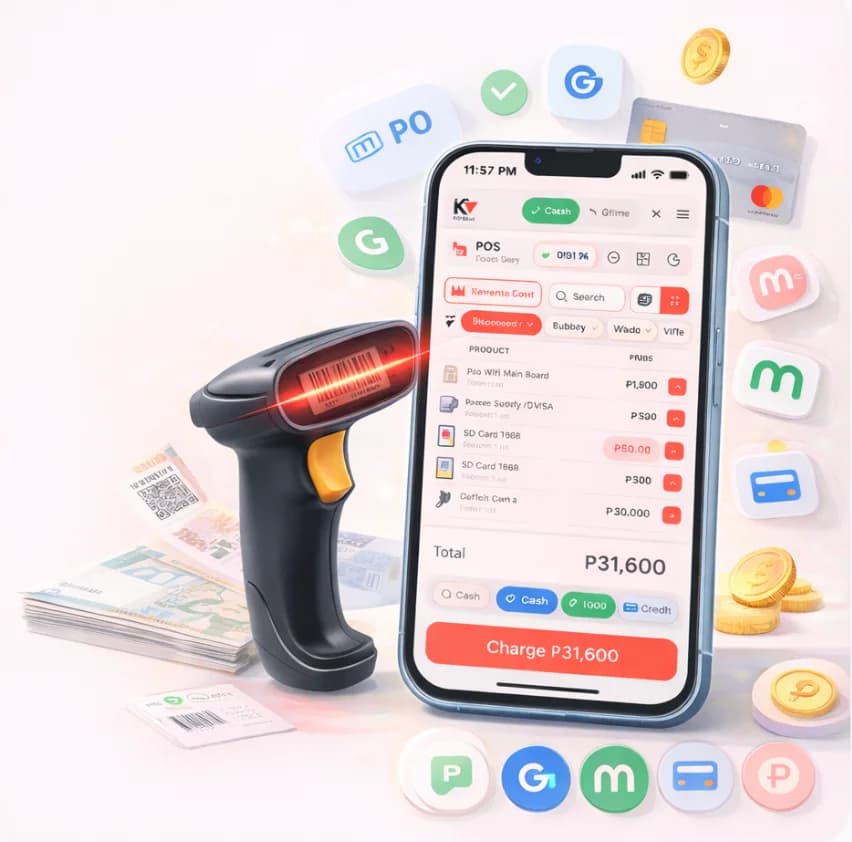
Barcode or quick-tap tiles build the cart. One button charges it — change computed, receipt ready, stock moved.

No POS terminal to buyNo hardware feeRuns on a ₱4k Android
Amor

₱135.00

3 items · Cashier Amor

Charge

F4

Cash, GCash, Maya, or utang

KwentaPOS running a checkout with a barcode scanner on a phone

The phone you already own

Install the app or open the browser, log in, and the counter is open.

Offline first

The whole POS keeps selling when the internet drops, then syncs itself when the line comes back.

Utang ledger

Customer credit with names, balances, and due dates. The notebook finally retires.

₱0 hardware to start

The device you already own is the register. Add a ₱1k thermal printer only when you want receipts on paper.

Setup

Selling in three steps

Add products once, open the register on any device, then sell. Two steps happen once. The third is the whole day.

  1. 01

    Add products

    Once per store

    Type them in or scan barcodes. Prices, tingi packs, and wholesale tiers in one list.

    48 / 50 added
  2. 02

    Open the register

    Once per device

    Install the app or open the browser on any phone or tablet, and log your cashiers in.

    kwentapos.com
  3. 03

    Sell

    Every day

    Scan or tap, charge, print the receipt. The numbers and the stock keep themselves.

    Charge ₱135.008s per sale
Pricing

Simple, honest pricing.

Every plan starts with a 15-day free trial, no card needed. Upgrade or downgrade anytime, from ₱59 a month.

15-day free trial on every plan, no card needed

Lite

For a one-person tindahan just starting out

₱59

/mo

Products
50products
Transactions per day
100sales/day
  • 1 user account · 1 branch
  • Full offline mode & receipt printing
  • Daily & monthly sales reports
Start free trial

Pro

Most picked

For growing stores with staff and utang

₱299

/mo

Products
500products
Transactions per day
350sales/day
  • Up to 3 staff users with role permissions
  • Full utang (credit) system, 100 active debts
  • Shift & cashier management with cash variance
  • Wholesale pricing & advanced analytics
Start free trial

Business

For owners running two or more branches

₱999

/mo

Products
∞products
Transactions per day
∞sales/day
  • 2 branches included · +₱599/branch for more
  • Up to 10 staff users across all branches
  • Inter-branch transfers & consolidated reports
  • Owner Hub & dedicated account support
Start free trial

Brownout-proof by design.

The whole POS — sales, inventory, utang, receipts — runs on the device. When the internet drops, nothing stops; when it comes back, everything syncs itself.

  • Sell through the outage
  • Receipts still print
  • Utang stays current
  • Syncs when the line returns
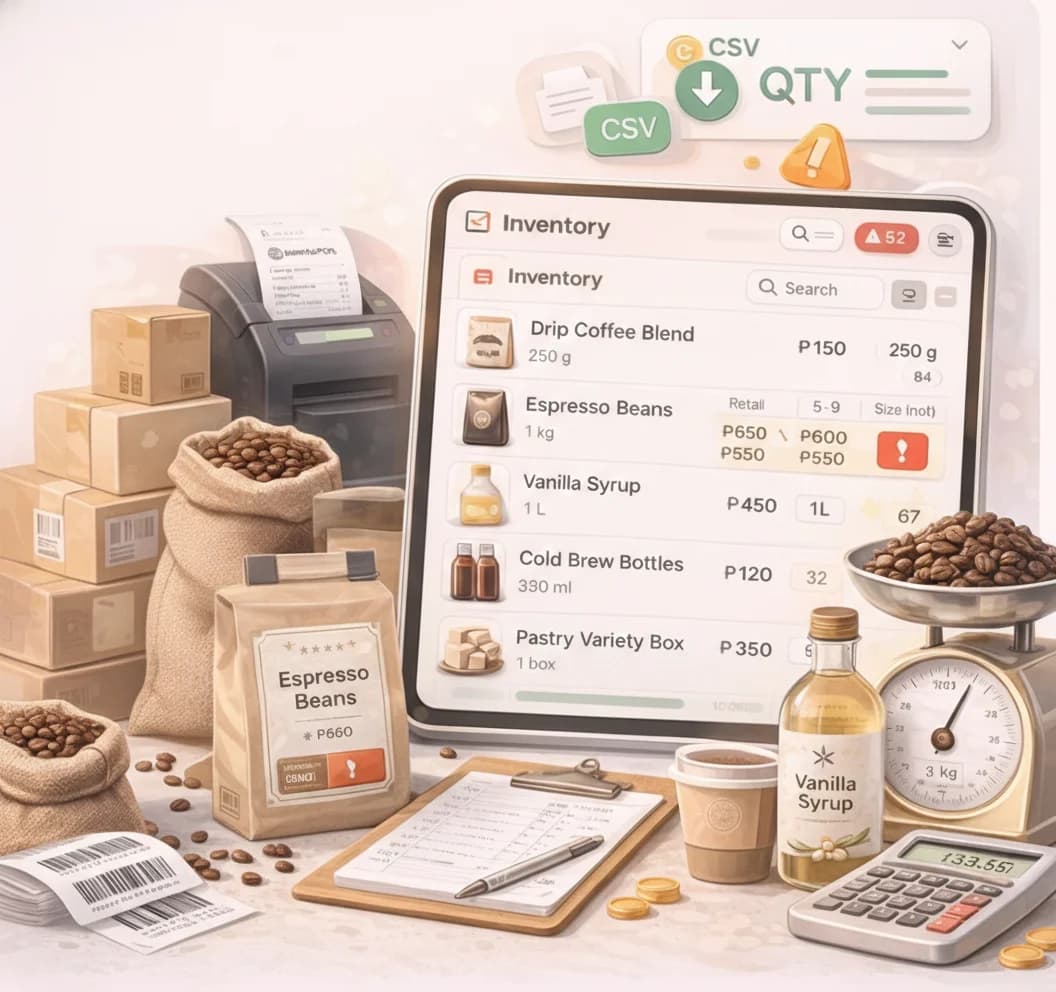
KwentaPOS inventory screen tracking stock levels
By business type

Built for your kind of tindahan.

A cafe needs modifiers and a kitchen screen. A sari-sari store needs utang and tingi. See how KwentaPOS fits the business you actually run.

FAQ

Real questions, real answers.

Things sari-sari and café owners actually ask before signing up.

Does KwentaPOS work without internet?
Yes. The whole POS (sales, inventory, utang, receipts) runs offline. When your connection comes back, everything syncs automatically. We built it for the realities of Philippine internet.
Do I need special hardware to start?
No. KwentaPOS runs on any phone, tablet, or laptop you already own. If you want a thermal receipt printer, we support 58mm and 80mm Bluetooth, USB, and Web Serial models, but it is optional.
How does the 15-day free trial work?
Sign up with just your email. No credit card required. You get full access to Tindahan Lite features for 15 days. After that, you can keep going for ₱59 a month, upgrade to a higher plan, or stop. We never auto-charge without your card.
Can I track utang (credit) customers?
Yes. Utang is a first-class feature, not an afterthought. Track per-customer balances, due dates, and partial payments. Print credit-sale and credit-payment receipts, and set credit limits per customer. The Pro plan tracks up to 100 active utang accounts, and Business is unlimited.
Can I use one account across multiple branches?
Yes, on the Business plan. You start with 2 branches included and can add more at ₱599 each. Switch between branches from the Owner Hub, run consolidated reports, and transfer stock between branches with a full approval flow.
What happens if I stop paying?
Your data is preserved for 90 days after cancellation, so you can pick back up anytime. Your sales history, products, and customer records do not disappear. If you decide to come back, we restore your previous state.
Does it work on cheap Android phones?
Yes. We test on entry-level Android devices because that is what most of our customers use. The app installs as a PWA (no Play Store needed) and runs smoothly on phones from 2019 onward.
Can I accept GCash and Maya?
Yes. Both are first-class payment methods alongside cash and cards. You can record GCash and Maya reference numbers per transaction, see them in shift reports, and reconcile your wallets at the end of the day.


Ready to leave the notebook behind?

Set up your store in under 5 minutes. No card, no commitment. Just a faster, calmer way to run your shop.